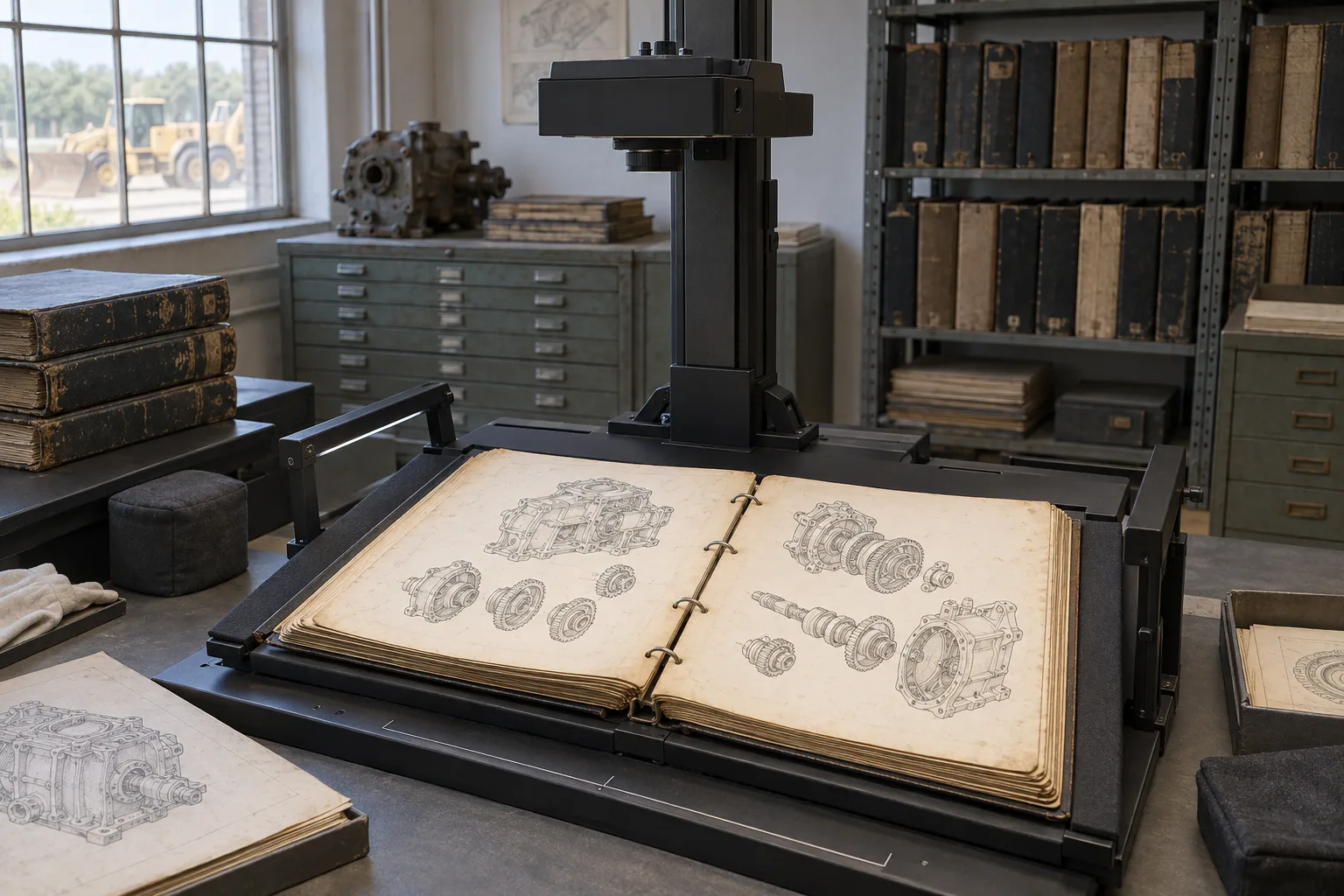
An equipment manual may still be essential long after its editable files have disappeared. A maintenance team has a photocopied binder, purchasing has a PDF, and a distributor needs another language. Before translation can begin reliably, someone must establish which material is current, what can be extracted, and what needs to be recreated or clarified.
This is a source-preparation problem as much as a language problem. Translating an unchecked transcription can carry an unreadable value or incorrect part reference into every target language. A useful project plan brings document recreation, technical translation, and multilingual desktop publishing together, with the equipment product line owner approving the technical source.
Establish Which Document Applies to the Equipment
Start with identity, not file format. Record the equipment model, applicable serial-number range if known, document number, revision, and supplemental materials. A clean digital manual for a different configuration may be less useful than a complete scan of the correct edition. Ask the technical manager responsible to confirm applicability before treating any file as the translation source.
Separate approved instructions from reference material. A handwritten adjustment, a supplier drawing, and an old parts catalog may explain a passage without being the authorized replacements for it. Preserve those materials, identify their origin, and ask which changes should enter the recreated source. Do not combine conflicting editions to make a document look complete.
Create a simple inventory with one entry per document or supplement. Include the filename, printed identification, page range, language, condition, and proposed role: approved source, supporting reference, or awaiting confirmation. Record absent pages and why they are missing. This gives purchasing and the production team a shared scope and prevents miscommunication about final expectations.
For example, imagine a fictional project involving a transferred industrial press. Its binder includes a replacement-drive supplement, while the available PDF describes the original drive. The translation team needs an approved decision about the supplement and affected sections. Choosing the PDF simply because its text is easier to work with would solve the wrong problem.
Compare Editable Originals, PDFs, and Scans
Send the best available versions together, with their relationship explained. File extensions alone do not reveal the amount of usable content a file contains. Assessment should consider the actual pages, graphics, fonts, and document structure, as well as the authority of each version.
- Editable originals: Supply native documents and available linked artwork. Include a matching PDF showing the intended appearance. Missing links or fonts may still require preparation, and an editable file must be checked against the approved revision.
- Digitally generated PDFs: These may contain extractable text and useful graphics, but extraction can disrupt columns, tables, or reading order. Selectable text does not prove that the original authoring structure survives.
- Scanned PDFs and images: These preserve a picture of the page. Text recognition or manual transcription may be needed, followed by comparison with the image. Mixed PDFs can contain both scanned and digital pages.
- Paper originals: If available, these may help resolve details lost through photocopying or compression. Identify foldouts, inserts, and reverse sides so the final file capture is complete.
A quick owner-side check is to select a paragraph, copy it into a plain text document, and compare the result with the page. Look at symbols and table order as well as ordinary words. This can expose problems, but it is a sample screening step rather than approval of the full file. Retain the original PDF even if you provide extracted text to your translation provider.
Share the Difficult Pages When Requesting an Estimate
A representative sample should include more than the clearest prose. Provide a dense table, a drawing with small callouts, a warning page, and a damaged or handwritten page if these occur in the set. Identify the total page count and the approximate number of each page type. The sample helps establish a logical method for recreation for the most difficult pages. Please note the remaining files will still need assessment and consideration in the scope of work.
Check whether page edges, binding margins, decimal points, and fine lines are visible. Look for missing sheets, duplicated pages, fold shadows, and clipped drawing borders. Capture color when it distinguishes information, rather than automatically converting everything to black and white. Keep an untouched source copy alongside any enhanced working version.
If a better scan is possible, agree on the suitable capture settings after testing difficult pages. Increasing resolution after the detail has already been lost does not recover the original information. Phone photographs may provide useful evidence, but glare, perspective, and uneven focus can make them unsuitable as the sole source for a dense technical page.
Turn Extracted Text into a Reliable Source File
Optical character recognition, or OCR, converts pictured characters into machine-readable text. It is a preparation tool, not confirmation that the result matches the source. Adobe provides a review function for correcting suspected recognition errors in scanned PDFs. Its availability is a reminder to inspect the output rather than treating successful conversion as completion.
Adobe Acrobat: Reviewing and correcting recognized text
For equipment documents, compare the extracted content against the source page by page. Check paragraph order, table rows, footnotes, superscripts, mathematical signs, and identifiers. A recognition error can produce an ordinary-looking word or number that would not stand out during translation. The absence of a software warning may not be properly identified.
Keep a query log with the document revision, page, affected passage, and a cropped reference image where it is useful. Record the question, responsible reviewer, approved answer, and status. If a value is unreadable, identify it as unresolved in the working material. Do not insert a temporary unapproved replacement and expect a later review to notice this discrepancy.
Resolve source corrections before the affected content enters all target languages. If preparation and translation overlap, identify which sections are approved and which remain on hold. A later correction should be traceable to every translated occurrence, including tables and graphics. This is especially important when the same instruction appears in several places.
Maintain a distinction between transcription corrections and changes to the underlying instructions. Correcting an OCR character to match a legible original is different from changing an original value because an engineer has identified an error. Both should be checked, but the second requires an authorized technical decision and a clear record of the revised source. Otherwise, reviewers may unknowingly compare the translation with an outdated page.
Preserve the Relationship between Callouts and Components
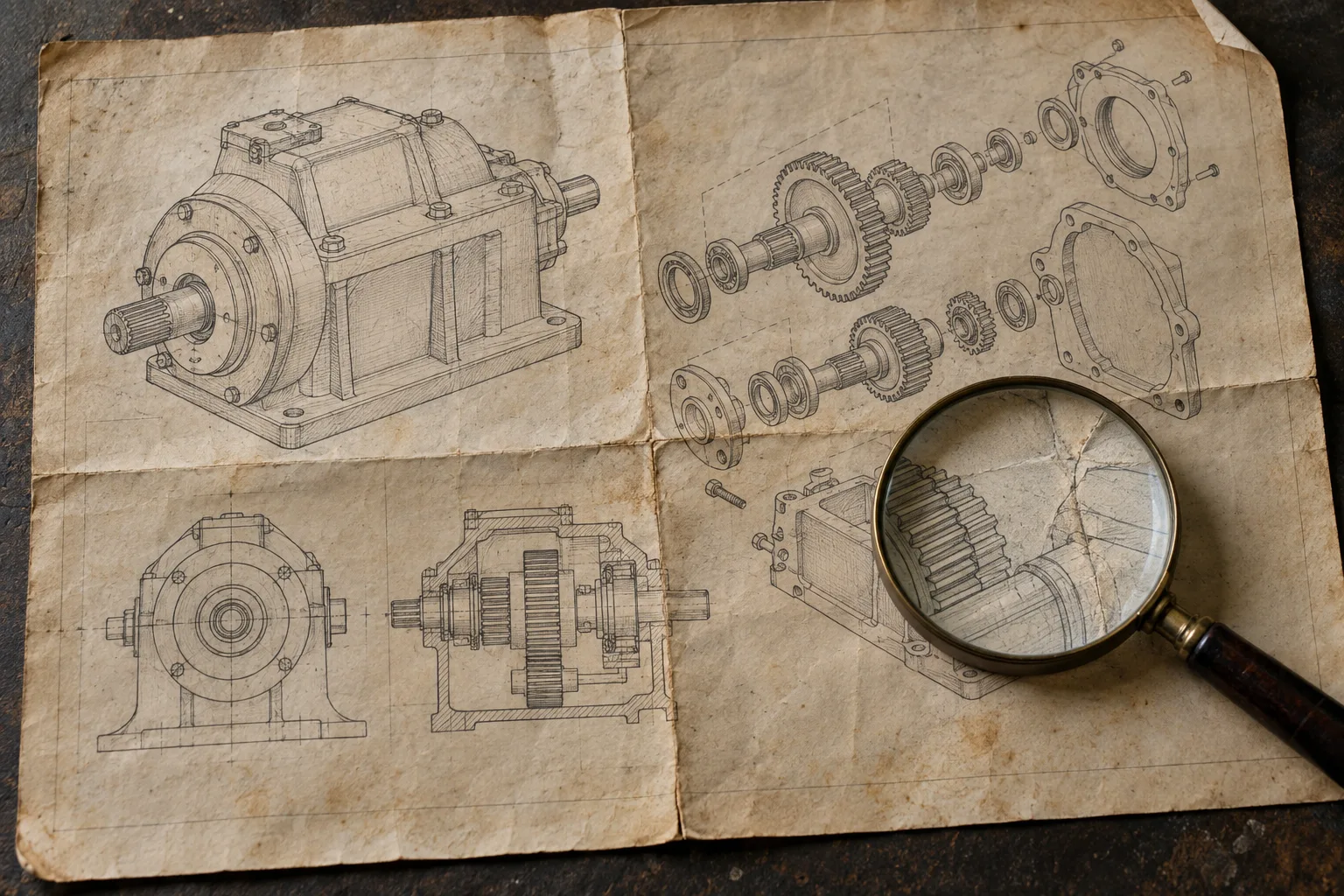
A drawing callout connects a label or identifier with a specific feature. Extracting its words is only part of the task: the label must remain associated with the correct leader line, component, and legend entry. Ask whether the project includes translating embedded drawing text, recreating labels, rebuilding a legend, or replacing artwork supplied by the owner.
Retain part numbers and reference identifiers unless the owner authorizes a change. A translated component name may differ in length while its identifying code remains unchanged. Establish consistent terminology between the drawing, parts list, and narrative. Where two source names appear to describe one part, request confirmation be obtained rather than merging terms based on a visual resemblance.
For flattened artwork, an agreed approach may be to retain the illustration and recreate its labels separately. If the underlying image is illegible, replacement artwork or owner clarification may be necessary. Recreating publication artwork should not be confused with producing an authoritative CAD model or reconstructing engineering dimensions from a picture.
Review the formatted target drawing at its intended viewing or printing size. Check that leader lines remain visible, labels do not obscure features, and every reference resolves correctly. If space is limited, agree with an alternative layout or keyed legend. Shrinking all labels until they fit can defeat the purpose of translation.
Build a drawing-text inventory where necessary. A label may appear inside the illustration, in a separate legend, and again in the parts table. Mark each occurrence for translation or intentional retention. This makes exclusions visible and helps avoid a deliverable in which the narrative is translated but essential words embedded in an image remain overlooked.
Control Units, Values, and Equipment Terminology
Treat technical values as controlled information. Preserve the association between each value, unit, qualifier, and condition. For example, a pressure value without its stated operating condition may convey a different instruction. During recreation, check symbols such as minus signs and diameter marks directly against the approved source instead of normalizing them by appearance.
Decide whether units should remain as supplied or whether a separately approved conversion is required. Translation does not itself authorize converting dimensions, rounding tolerances, or replacing component designations. If conversion is requested, the owner should specify the applicable conventions and technical confirmation responsibility. Keep a record of the approved changes.
Provide existing terminology, parts lists, and photographs of relevant controls where these are authorized and useful. A control name in the manual may need to match the wording physically displayed on older equipment. Agree how translated descriptions will help readers recognize an unchanged label, rather than implying that the machine itself has been relabeled.
Choose How Much of the Document to Recreate
Define the intended result before rebuilding pages. A translation for controlled internal reference, an updated multilingual maintenance manual, and a publication package for recurring revisions require different levels of structure. State whether the scope includes an editable source-language master, target-language files, or both. A translated PDF alone does not provide a maintainable authoring package.
Where future updates are expected, consider rebuilding headings, lists, tables, and cross-references as usable structures rather than arranging isolated text boxes to imitate each line of the scan. This is a project recommendation, not a claim that every source can be reconstructed automatically. The choice depends on the material, authoring tools, and intended maintenance process.
Determine what should remain visually faithful to the original, and what may change. Preserving figure identity and the connection between warnings and instructions may matter more than matching every line break. If new pagination is allowed, update contents pages and references accordingly. If original page references must remain usable, agree how readers will navigate between editions.
Include foldouts and unusual page sizes in this decision. A diagram that is readable on a large sheet may become unusable when reduced to fit a standard page. Tell the provider whether users will print the document, view it on a workstation, or use both. Establish the return formats and check the actual output at the intended size.
Review Language and Layout Together
Multilingual desktop publishing places translated text into the required page design and addresses language-related layout changes. Review the result after translated text placement, not only in an extracted text file. Longer labels, different line breaks, and language-specific characters can affect readability even when the translation has been approved.
Automated layout checks can help identify production problems. For example, InDesign preflight can flag issues such as missing fonts, missing or modified links, and overset text. These checks support document production; however they cannot establish whether a translated term identifies the correct machine component or whether an old instruction remains applicable.
Adobe InDesign: Configuring and using preflight checks
- Source acceptance: Confirm all agreed pages are present, transcription has been compared with the approved source, and unresolved items have an established resolution procedure.
- Language acceptance: Check terminology, completeness, values, qualifications, and references against the approved source and project instructions.
- Layout acceptance: Check legibility, table relationships, callout placement, page references, and character display in the delivered PDF.
- Technical release: Obtain the product owner’s approval of applicability, source corrections, and any technical changes before issuing the document to the end user.
Assign named contacts for technical decisions. The translation provider can raise inconsistencies and implement approved corrections; the client’s authorized technical reviewers determine equipment applicability and the instruction validity. A recreated manual does not, by itself, establish technical approval or compliance.
Ensure the Estimate Reflects Preparation and Review
Word count describes only part of the estimation effort. Scan quality, drawing complexity, table reconstruction, missing pages, target languages, and the required output format all affect scope, turnaround time, and pricing. The availability of a technical reviewer also matters: an unanswered question about a source value can block a section even when transcription and layout are otherwise straightforward.
Ask the proposal to distinguish source preparation, recreation, translation, multilingual layout, and agreed review rounds. Identify assumptions about file completeness and artwork quality. For uncertain material, discuss an initial assessment or representative recreation sample before committing to the whole set. Confirm how newly discovered defects and late source changes will be handled.
At final delivery, request the newly created and translated editable files, final PDFs, associated artwork, and approved terminology or query records. Specify the software format and version needed. Keep the original evidence separate from the approved recreated master, and record which source revision each language follows. This makes the next update easier to scope.
Include a document record listing file purpose, included languages, approved source revision, and any agreed exclusions. Confirm that the approved recipient can work with the editable master and locate its supporting artwork. For subsequent revisions, send the maintained master together with an identified change set, rather than beginning again from an annotated printout or a newly compressed scan.
How Terralíngua Can Help
Terralíngua specializes in document recreation from scanned files and images, with technical translation, and multilingual desktop publishing. These services are relevant when legacy equipment documentation needs both source preparation in another language. The appropriate scope depends on the actual files, their legibility, and the output the end user needs.
To begin the analysis process, provide any available originals, PDFs, scans, and supplements. Describe known gaps and identify the technical contact who can resolve them. Document recreation can address a missing editable format; unreadable or uncertain technical content still will require qualified clarification. Agree upon the deliverables and review responsibilities before production begins.
Explore Terralíngua’s document recreation and desktop publishing services
Learn about Terralíngua’s technical translation services
Frequently Asked Questions
Should I Search for the Original Files before Requesting a Quote?
Yes, as it is the most cost and time effective. However, you can request an initial assessment while that search continues. Explain what is available and what has not been located. Finding an approved native file can change the preparation scope, so agree when the final source package will be confirmed and whether the estimate must be revised with updated file considerations.
Can I Translate Only Selected Pages from a Legacy Manual?
Potentially, provided the owner defines a complete and usable scope. Include referenced drawings, warnings, definitions, and prerequisites needed to understand those pages. Identify the output as an authorized selection rather than a complete translated manual, and have the responsible technical reviewer assess whether including the omitted material is necessary for comprehension.
What If a Handwritten Note Conflicts with the Printed Manual?
Supply both to the authorized technical owner to resolve the conflict. A note may document a modification, an informal observation, or an obsolete practice. Translation and recreation should not incorporate conflicts into a translated document without confirmation. Record the decision and its applicability to the relevant equipment.
Will the Recreated File Be Easier to Update Next Time?
It can be if an editable version is created. Ensure a maintainable master is included in the deliverables and retained with its artwork. Confirm this before work begins and pricing is approved. A searchable PDF or visually accurate page recreation is not necessarily a structured authoring file that your team can efficiently revise.
Prepare a Thorough Assessment Package
To discuss a legacy-document project with Terralíngua, provide the equipment and revision details, available source files, representative difficult pages, target languages, intended audience, output formats, and deadline. Flag unreadable passages and missing material at the outset. These inputs help define a realistic path from the surviving documents to an updated multilingual publication.
Request a quote for legacy equipment document translation and recreation